

Synchronous vs asynchronous
Connecting a company completes inline. Every write operation hands you a
syncBatchId and continues processing in the background.
What syncBatchId represents
Every async operation creates a sync batch that tracks the lifecycle of the work:
How you track results
You have two reliable options.1. Poll the read endpoints
For sales and catalog, poll the GET endpoints until the state you expect appears:2. Sync monitoring in the dashboard
The dashboard’s Sync Monitoring screen shows batches and their outcomes, including failures and error messages — useful while developing and for support.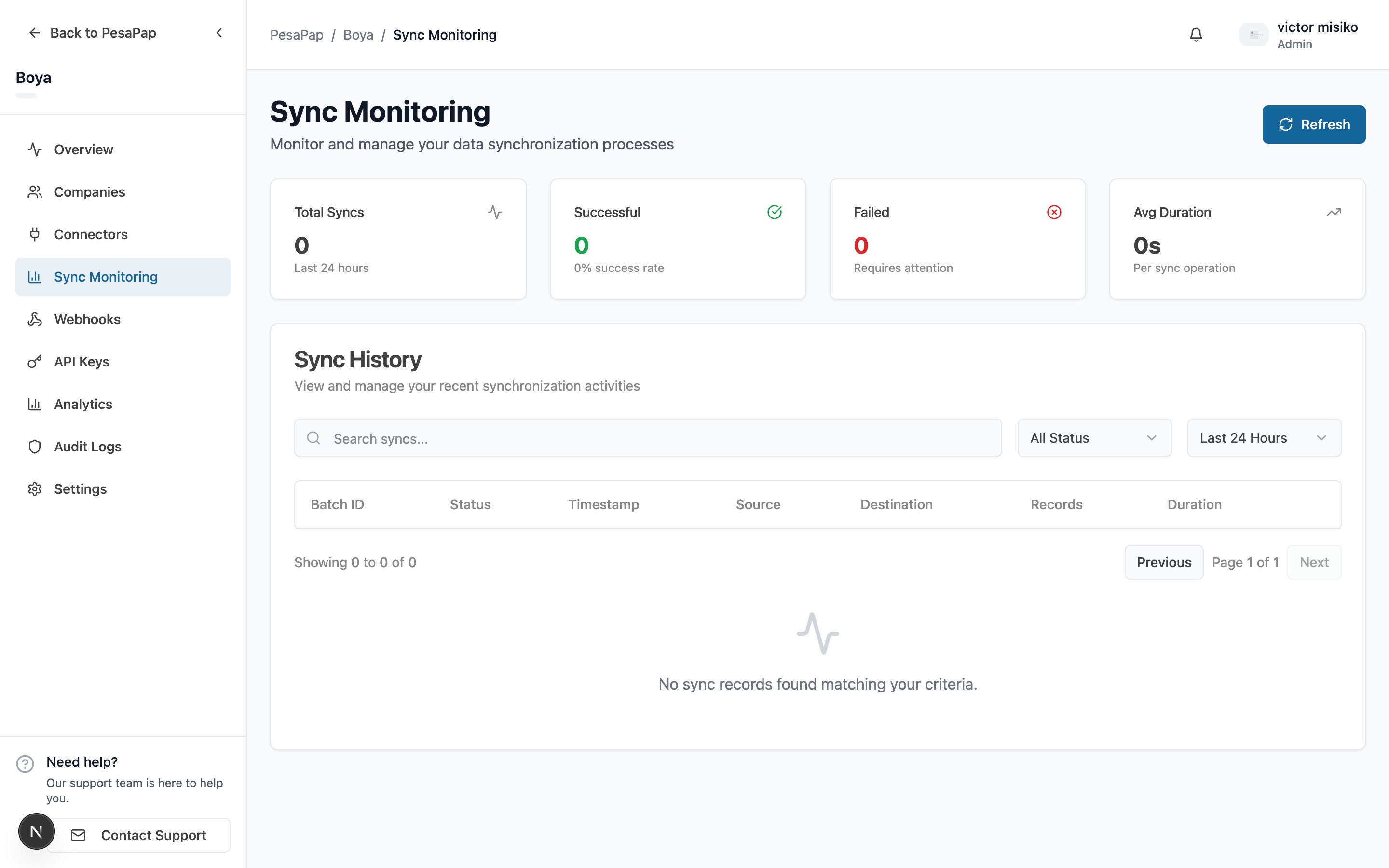
Reliability
- Exactly-once outcomes. Results are applied to a batch once, even if processing is retried internally — so a transient network blip won’t double-apply an outcome.
- A failed batch carries a reason. When something goes wrong (e.g. insufficient stock, an unsynced item), the failure includes a human-readable message you can surface and act on.
Designing for async
- Don’t block your user on the HTTP response. Treat
syncBatchIdas “accepted for processing”, then confirm out-of-band. - Be idempotent on your side too. Use stable
traderInvoiceNumber/externalIdvalues so retries don’t double-submit. - Surface failures. Show the failure reason and let the user retry after fixing the cause.
Read next
- Sales & Credit Notes — what “accepted” looks like
- API Reference — every endpoint and field